

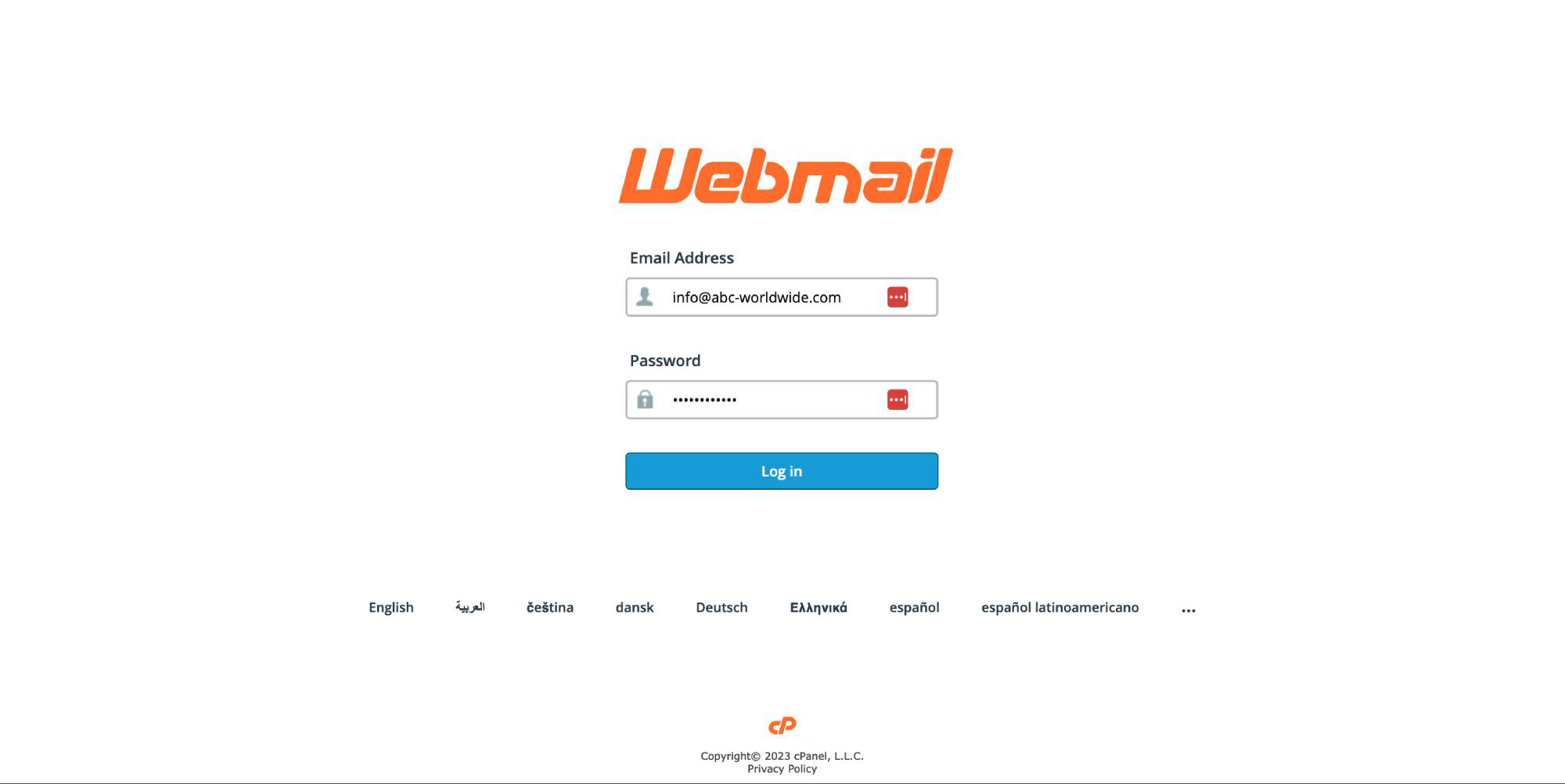
1. Open this site on your browser https://webmail.abc-worldwide.com and enter your email and password.
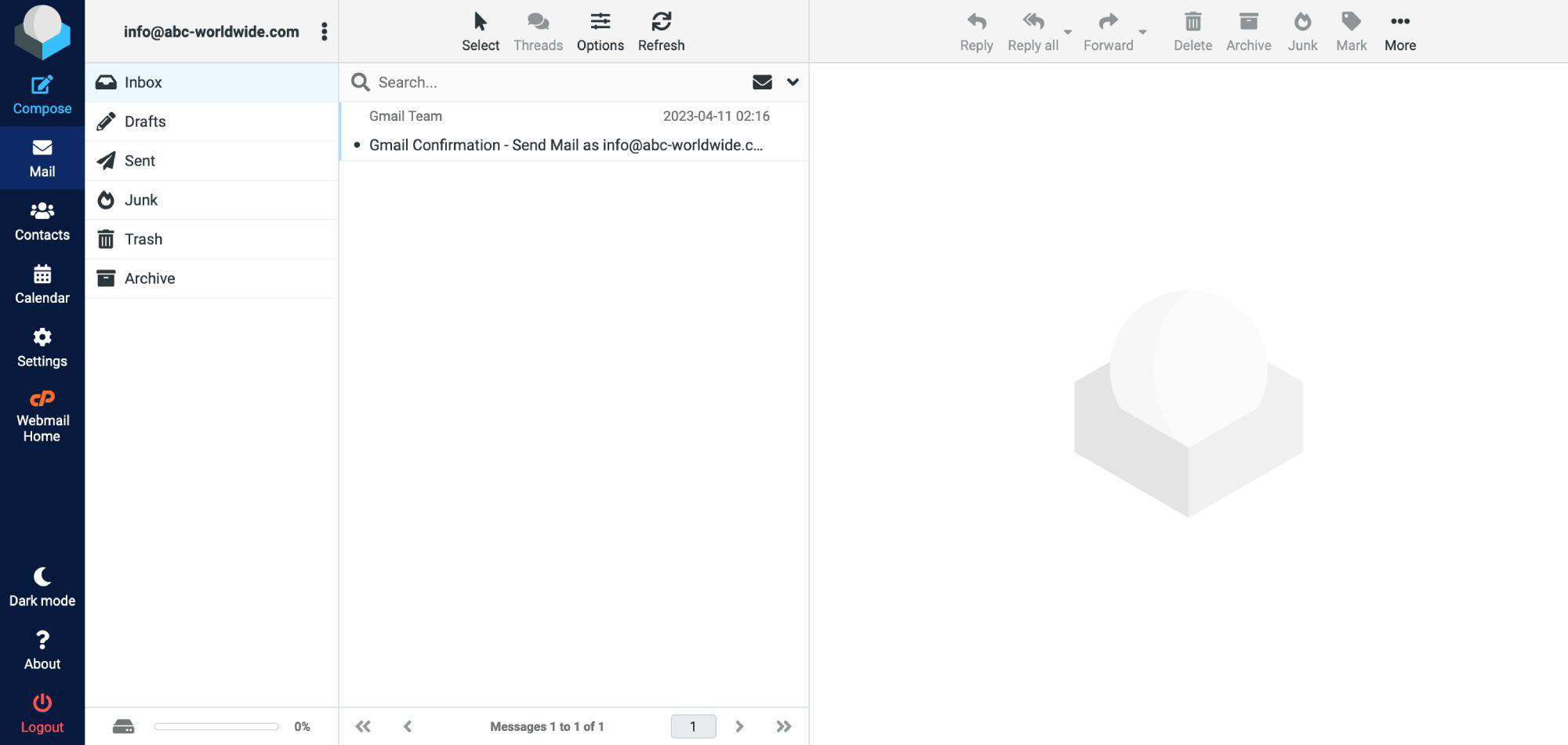
2. After successfully login you will see the page with 3 columns where you find necessary features for working with your email box.
- First column contain all already known folders like inbox, drafts and other.
- Second column show you all emails in your box and current opened folder.
- Third column contain full details for selected email.
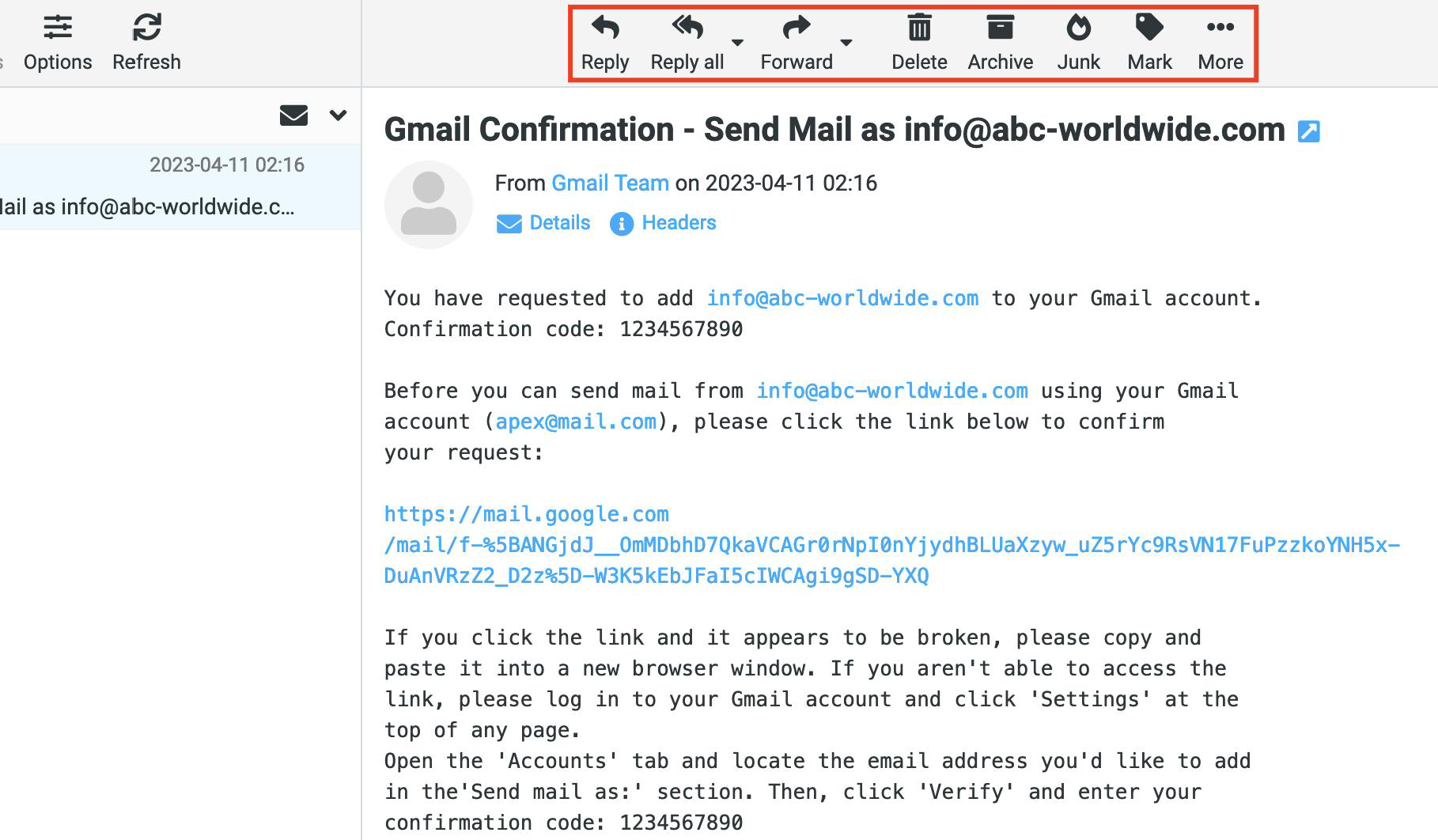
3. Use top left menu icons for work with opened email from any folder. You can reply it, delete or mark like spam (junk icon).
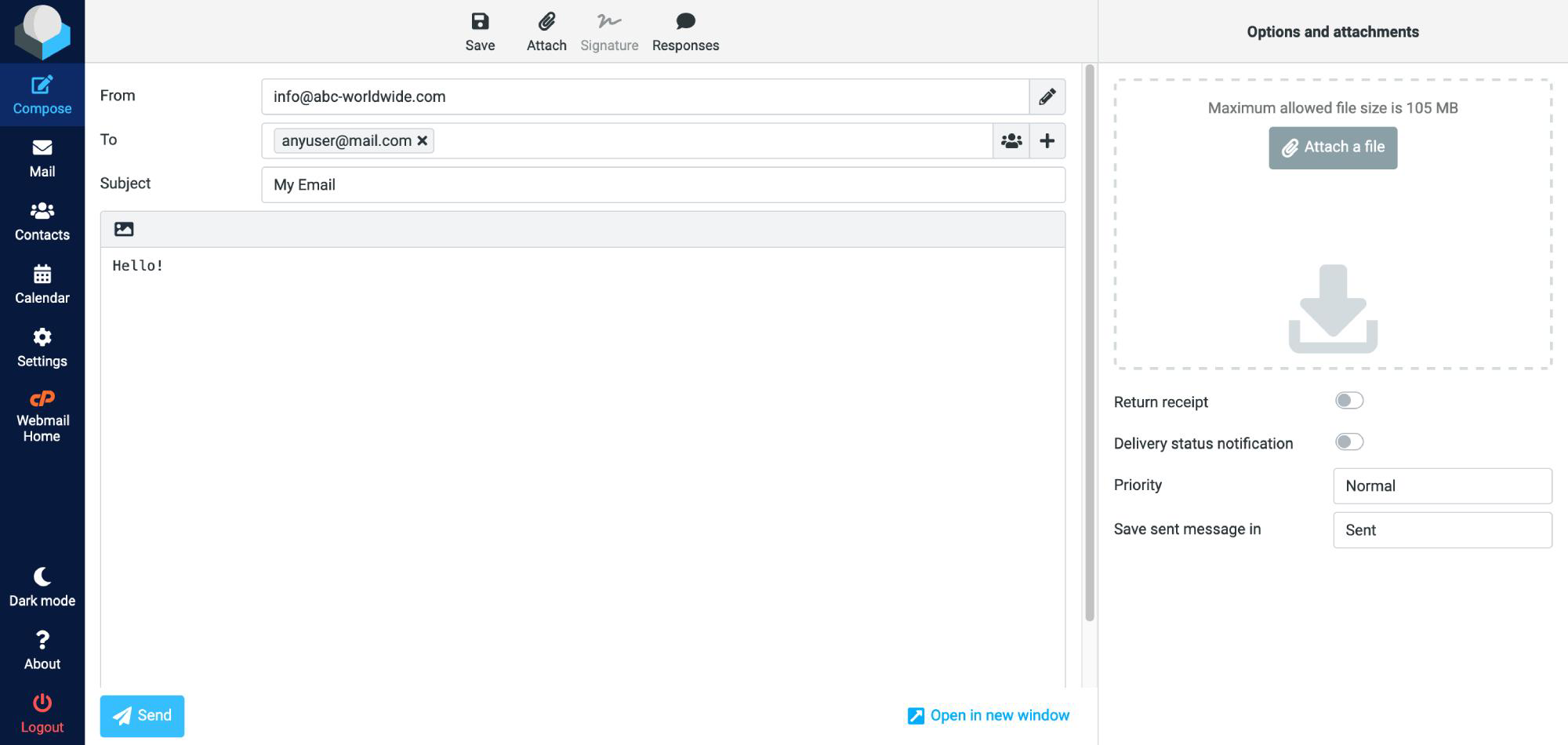
4. On the left side menu click to Compose for creating new email like on the screenshot below.
5. Congratulations, now you are know how to work with Apex corporate email!